What's New
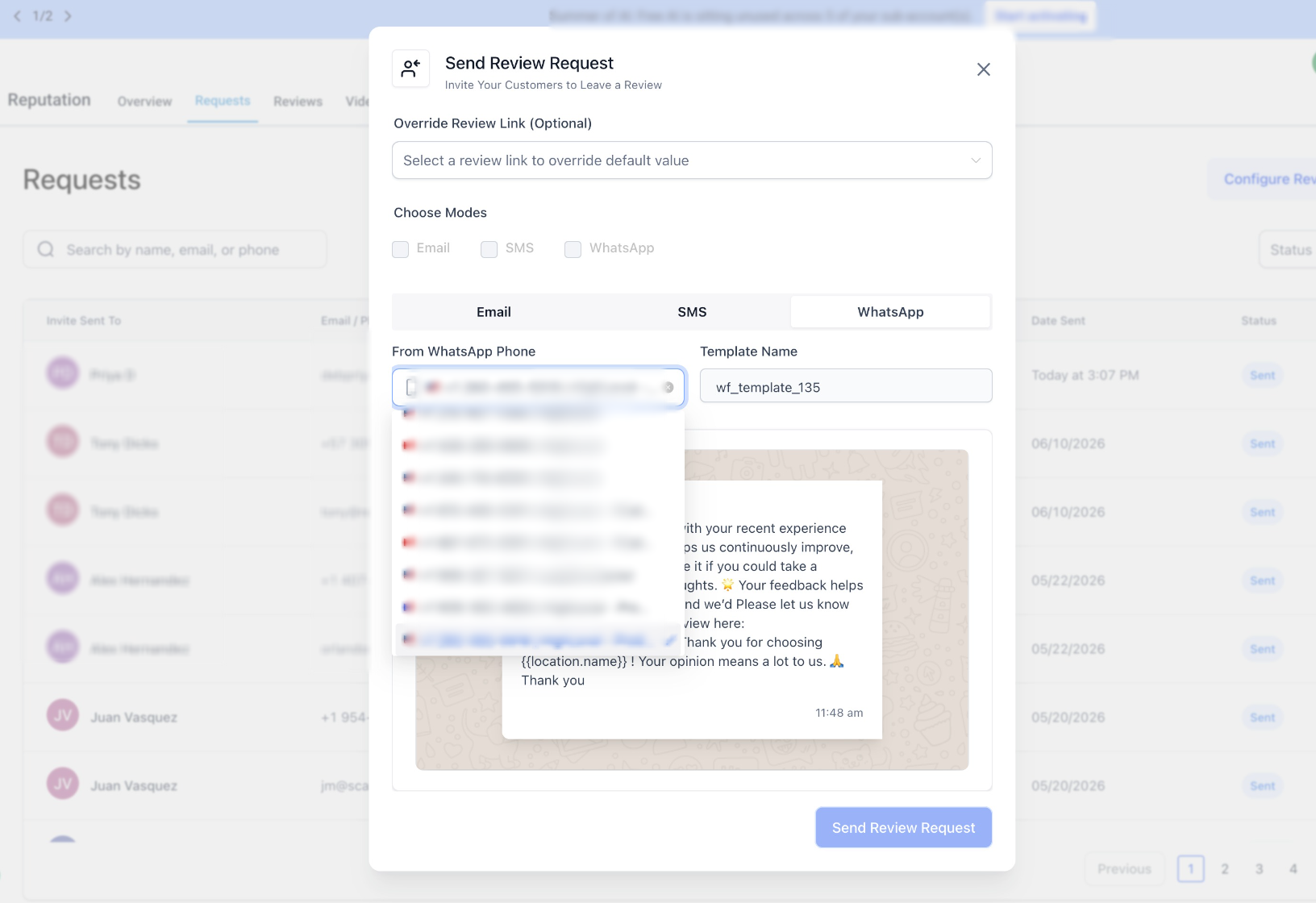
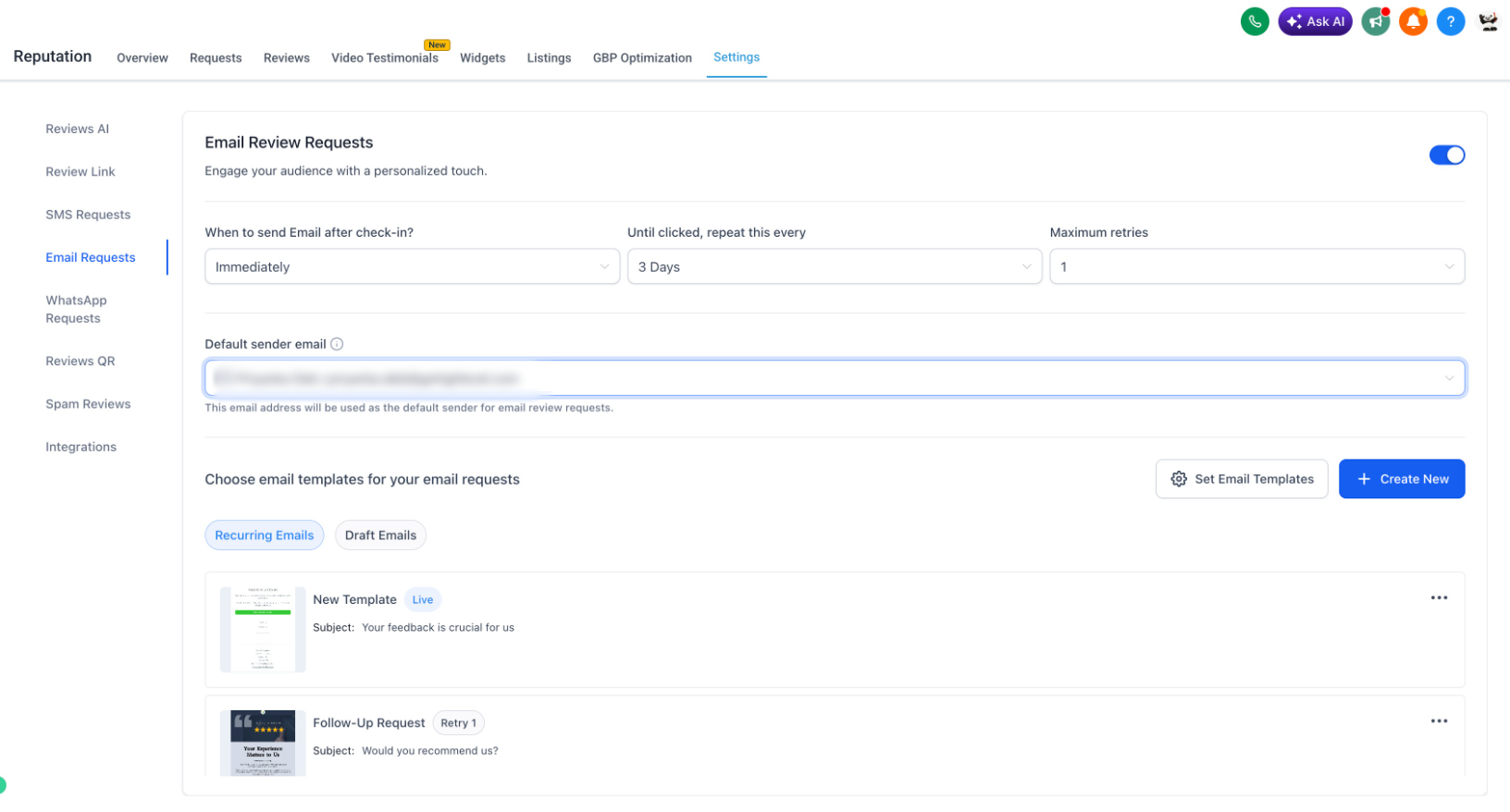
You can now set a default phone number (SMS & WhatsApp) and email address for review requests at the location level. The selected sender is automatically used across:
- Manual review requests
- Campaigns
- Workflows
Why You'll Love It
- Build trust by sending requests from a familiar number or email.
- Deliver a more consistent, branded customer experience.
- Eliminate confusion caused by system-selected sender identities.
- Improve the professionalism and credibility of your review requests.
Go to Reputation ->Settings -> Email (Phone/WhatsApp) Review Request to check this out:
Was this article helpful?
That’s Great!
Thank you for your feedback
Sorry! We couldn't be helpful
Thank you for your feedback
Feedback sent
We appreciate your effort and will try to fix the article