We’re excited to share an upgrade that keeps you in flow : you can now access a dedicated Payments tab directly inside Contacts and Opportunities on the mobile app. Create invoices/estimates, charge customers, manage cards on file, and review payment activity — all without leaving the record you’re working on.
What’s new
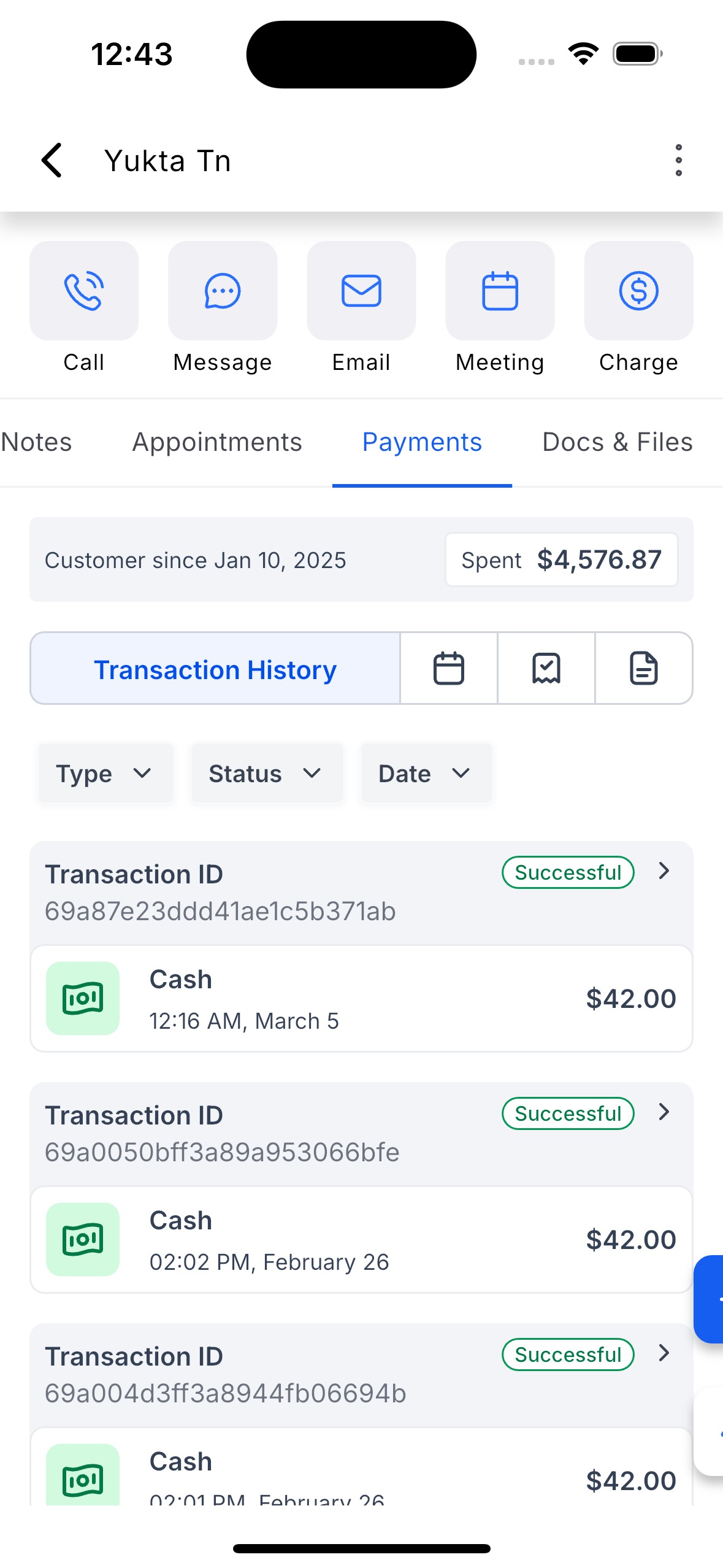
- Payments tab inside Contacts: A new Payments tab on the Contact detail screen to view and manage everything tied to that contact.
- Quick actions (Contacts): Charge Now (POS), New Invoice, New Estimate, Manage Cards on File — right from the contact.
- More customer context (Contacts): See Customer Lifetime Value and Customer Start Date up front.
- Payments tab inside Opportunities: A new Payments tab on the Opportunity detail screen to track activity linked to the opportunity.
- Quick actions (Opportunities): Create a New Invoice or New Estimate directly from the opportunity.
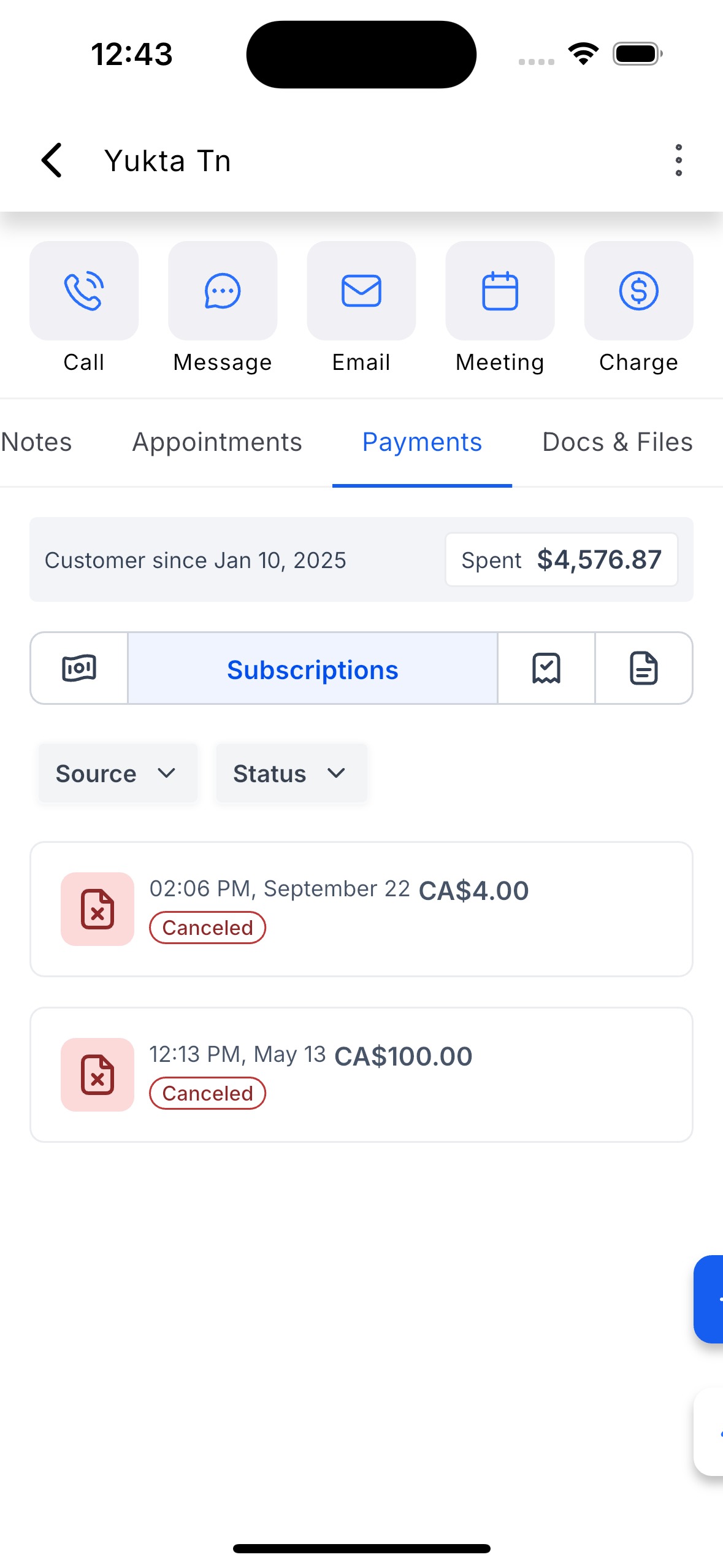
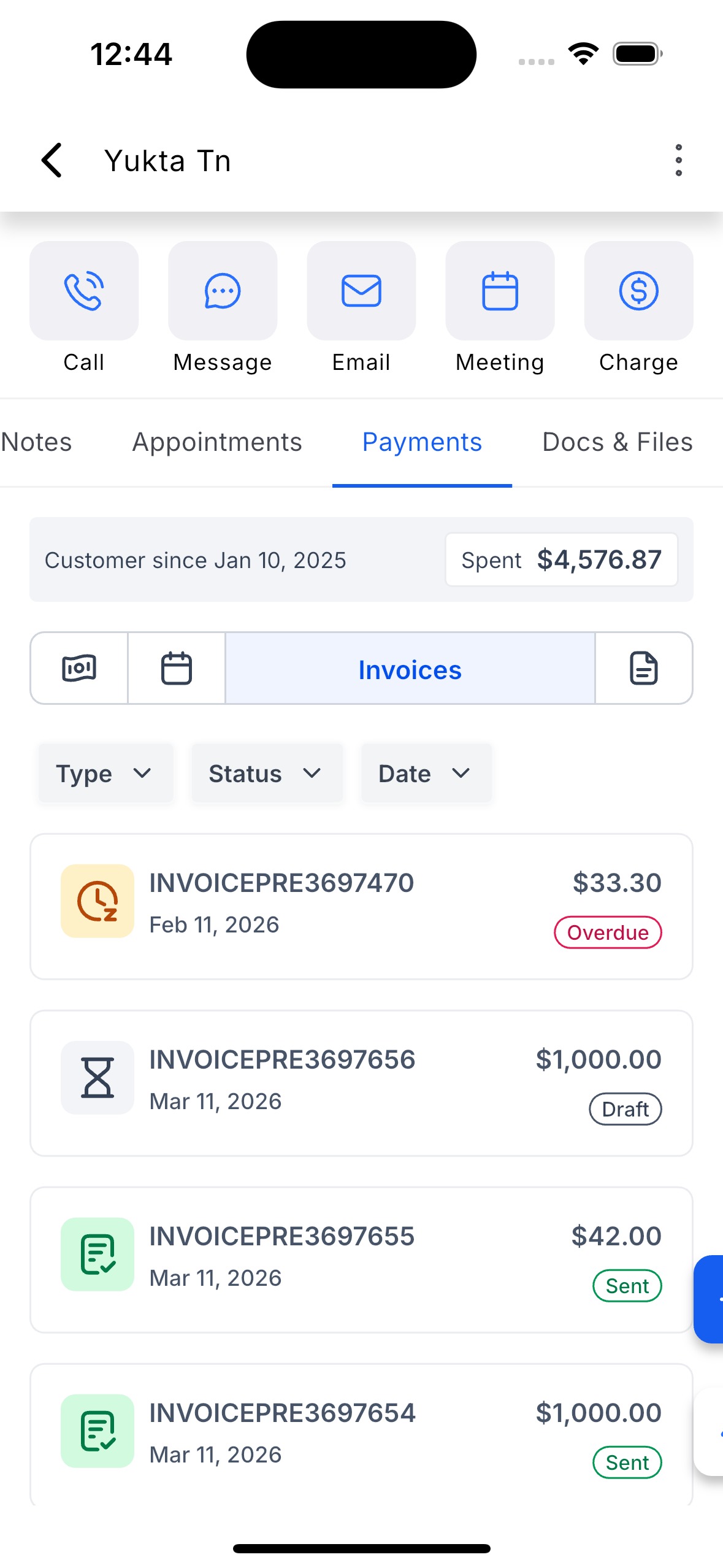
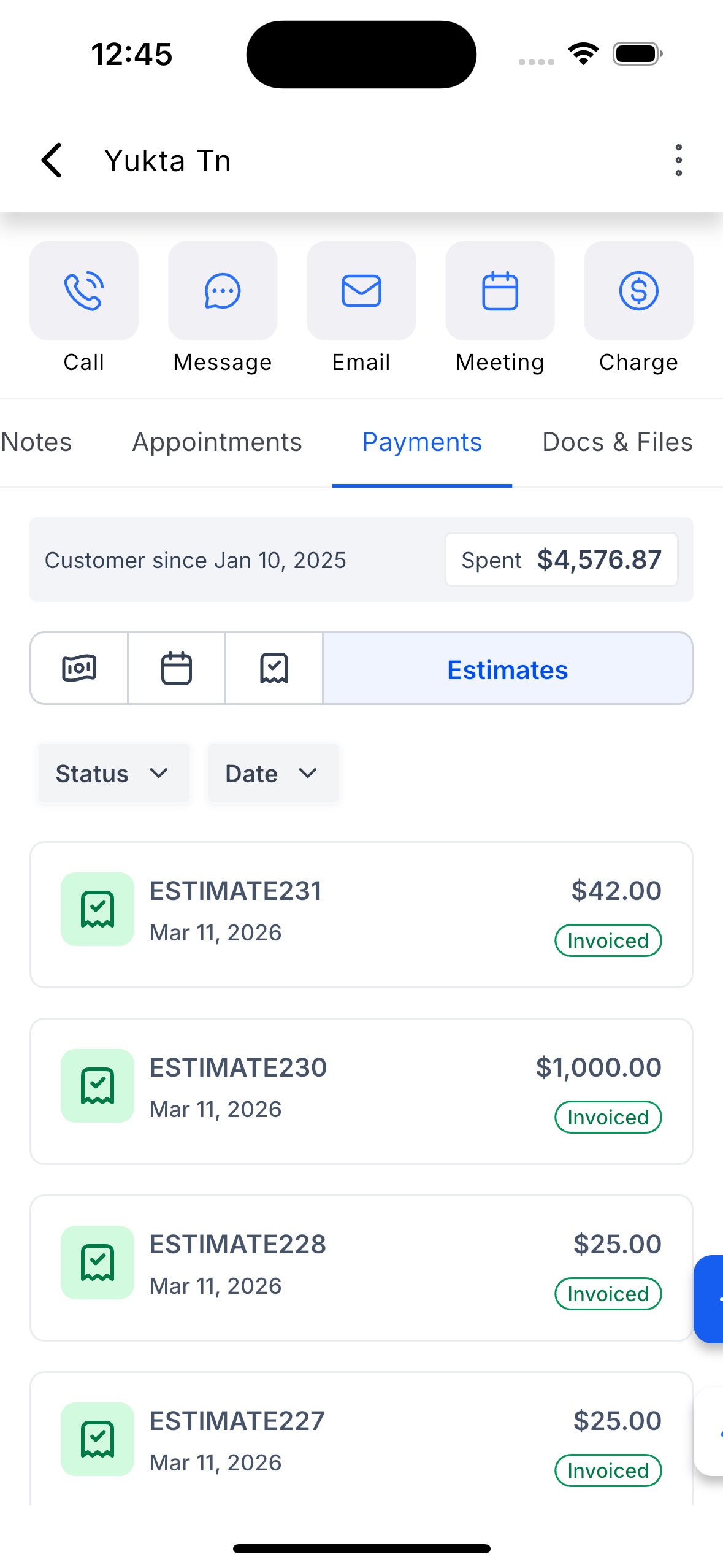
- Easy filtering: Use filter chips to switch between payment types (e.g., Transactions / Invoices / Estimates / Subscriptions where applicable).
How to use this feature
From a Contact
- Open a Contact → tap the Payments tab.
- Tap Actions → choose Charge Now, New Invoice, New Estimate, or Manage Cards on File.
- Use the filter chips to browse Transactions / Invoices / Estimates / Subscriptions.
From an Opportunity
- Open an Opportunity → tap the Payments tab.
- Tap New Invoice or New Estimate (auto-linked to the opportunity).
- Review linked payment activity and statuses right inside the tab.
Was this article helpful?
That’s Great!
Thank you for your feedback
Sorry! We couldn't be helpful
Thank you for your feedback
Feedback sent
We appreciate your effort and will try to fix the article